Organize your feeds your way
Group subscriptions into a single unified feed. Search across every article you've ever received, then save it as a subscription to follow new matches as they arrive. You're in control. No algorithm and no sponsored suggestions overriding you.
Group Subscriptions
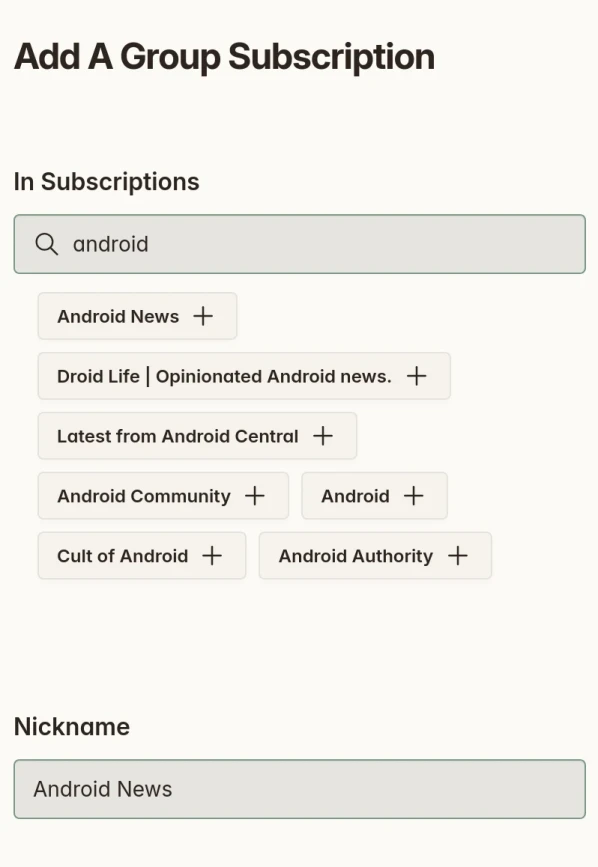
Group multiple site subscriptions together to view a unified feed of their articles. Great for combining sources on similar topics into one (all your Android news, or every Apple blog you follow).
- Apply article filters across an entire group, refining what's shown even further
- One feed to check instead of a dozen separate ones
Saved Search Subscriptions
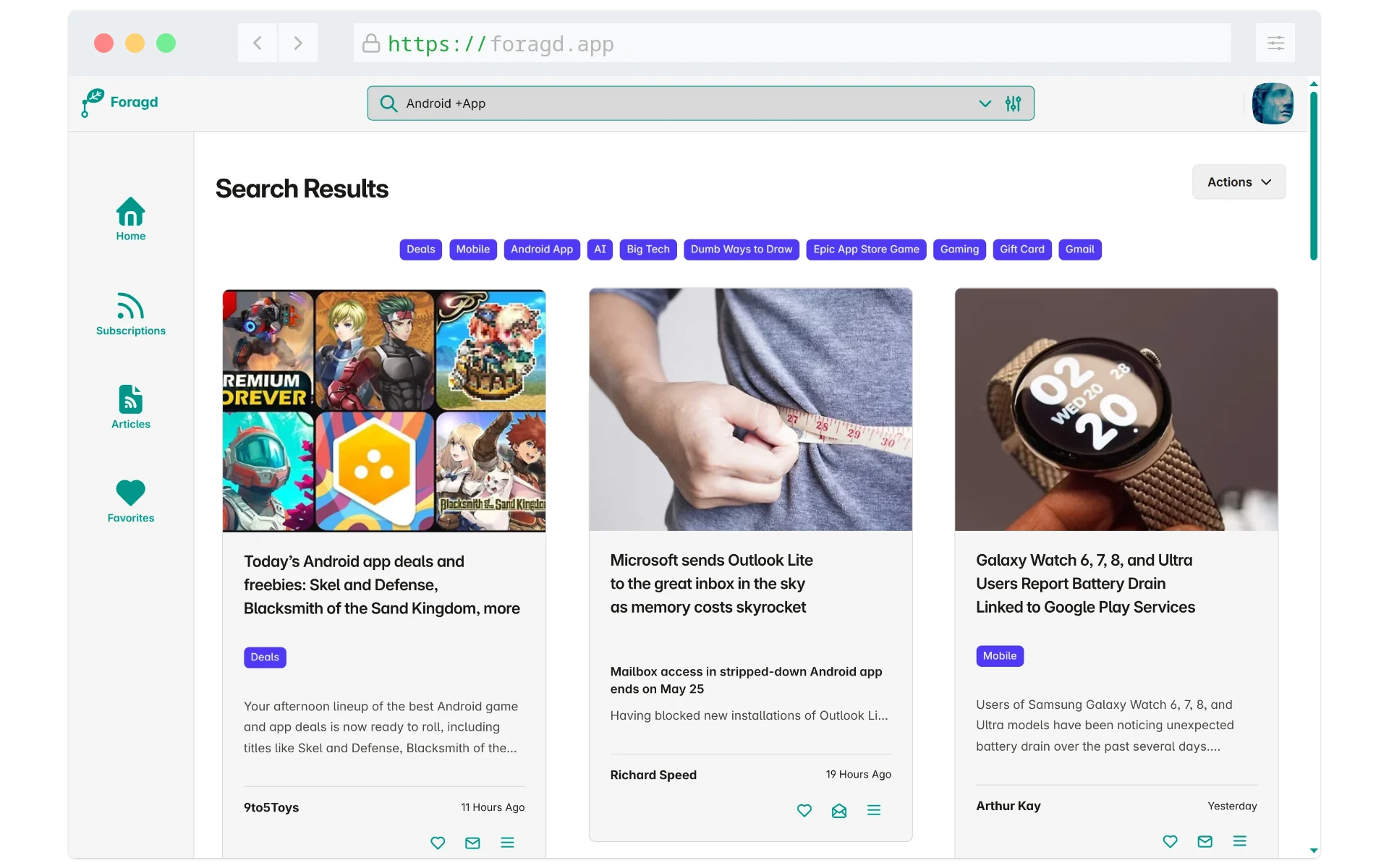
Full-text search across articles to find that thing mentioned in that post on that blog a while ago, easily. Want to keep up to date when new posts match? Save the search as a Search Subscription.
- A great way to track a topic across many sources at once
- Useful for research and ongoing data analysis, not just casual reading
- Search and save with full-text search by keyword, phrase or even topics like "geopolitical events"
Article Filtering
Filter articles with straightforward +/− keyword and phrase matching. No complicated AND/OR logic to learn.
Read more on the blog:
Subscription Customisation
Give each subscription a nickname and change its thumbnail. Handy when a feed doesn't include its own image, or its name is verbose or generic.
Before and after curation
Ready to read without the noise?
Start free. No credit card, no algorithm, no catch.
Start your free trial