Collect everything, from one place
Add any website, blog, YouTube channel, Google News search, or email newsletter. Foragd does the heavy lifting of finding the feed for you. No more checking dozens of tabs, or missing posts because an algorithm buried them.
Add content from anywhere
Enter a URL and Foragd finds and subscribes to the site's content for you. Or enter a search term to explore Foragd's existing database of feeds.
- For YouTube, just enter a channel handle like
@TEDdirectly - For Google News, use a search query such as
when:24h site:reuters.com - No need to hunt for obscure feed URLs; let Foragd find them
- Not sure where to start? Pick from curated feed sets on sign-up for a selection of independent feeds worth following
Read more on the blog:
Explore existing feeds
Explore the existing feeds in the Foragd database. Search by keyword, phrase or topic, or browse and filter by category. See a sample of the latest articles for each result and easily subscribe to new sources.
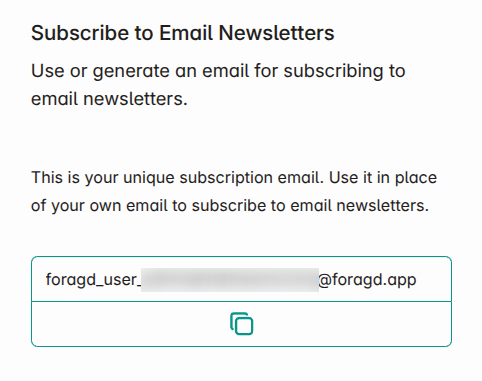
Sign up for email newsletters
Protect your email and your inbox. Each Foragd account can generate a unique masked email address to use when signing up for newsletters. Emails land alongside your other feeds instead of cluttering your real inbox.
- Favorite and search through newsletters just like any other feed
- Your real email address never gets shared with newsletter senders
Migrate from other services
Coming from Feedly, Inoreader, Newsblur, or another reader? Foragd imports your existing subscriptions easily using OPML, a widely-used standard for feed imports and exports.
- You always own and control your data. You can import and export freely, anytime
- One file, one import. No manual re-adding of every subscription
Synced and saved across devices
Your data is synced to our servers so you can stay up to date anywhere,
- Subscribe and manage your subscriptions centrally.
- Where you are up to and what you've saved are kept in sync no matter which device you use.
- Your theme and font preferences follow you across devices.
Ready to read without the noise?
Start free. No credit card, no algorithm, no catch.
Start your free trial